Designing for Foldable Phones
As the era of flexible smartphones emerges both the OEM’s and the operating systems are getting ready to use this technology to improve…
Designing for Foldable Phones
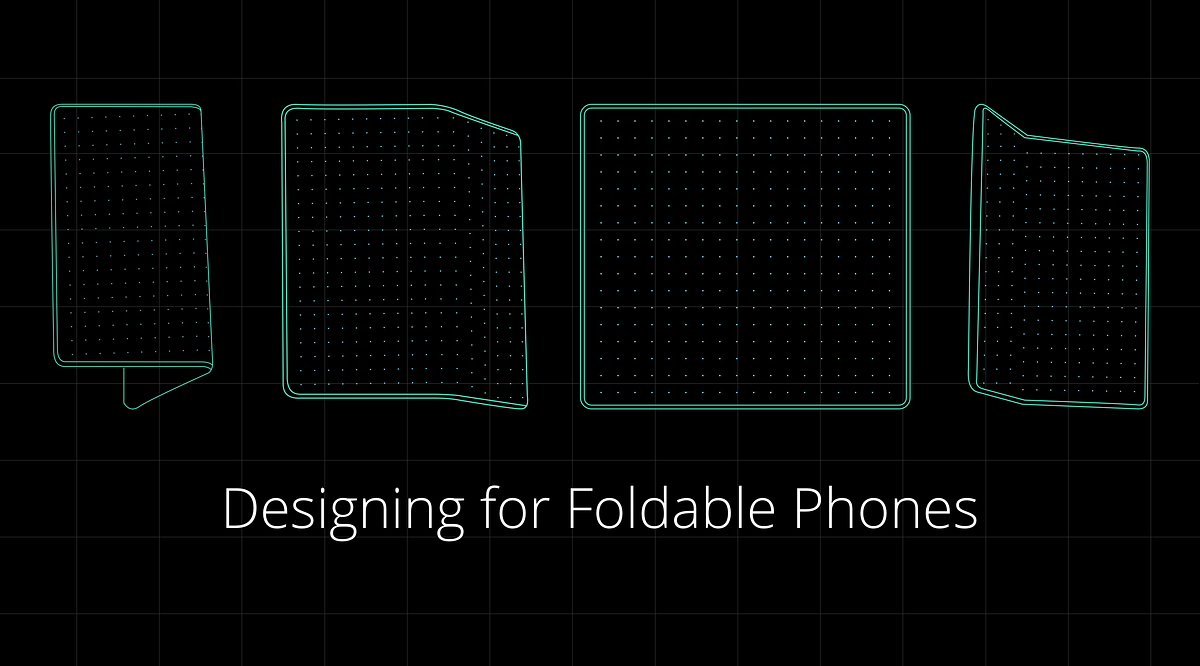
As the era of flexible smartphones emerges both the OEM’s and the operating systems are getting ready to use this technology to improve smartphone experiences.
But the challenge lies in making the experience seamless for both the two-screen and the one-screen devices. Since the smartphone and the tablet experience comes together with the foldable devices.
“You can think of the device as both a phone and a tablet. Broadly, there are two variants — two-screen devices and one-screen devices. When folded, it looks like phone, fitting in your pocket or purse “
Dave Burke — VP Engineering (Android)
Here are few things that we should keep in mind while designing for foldable phones.
2 States:
There are two states in foldable phones: folded and unfolded screen also know as cover display and the main display.
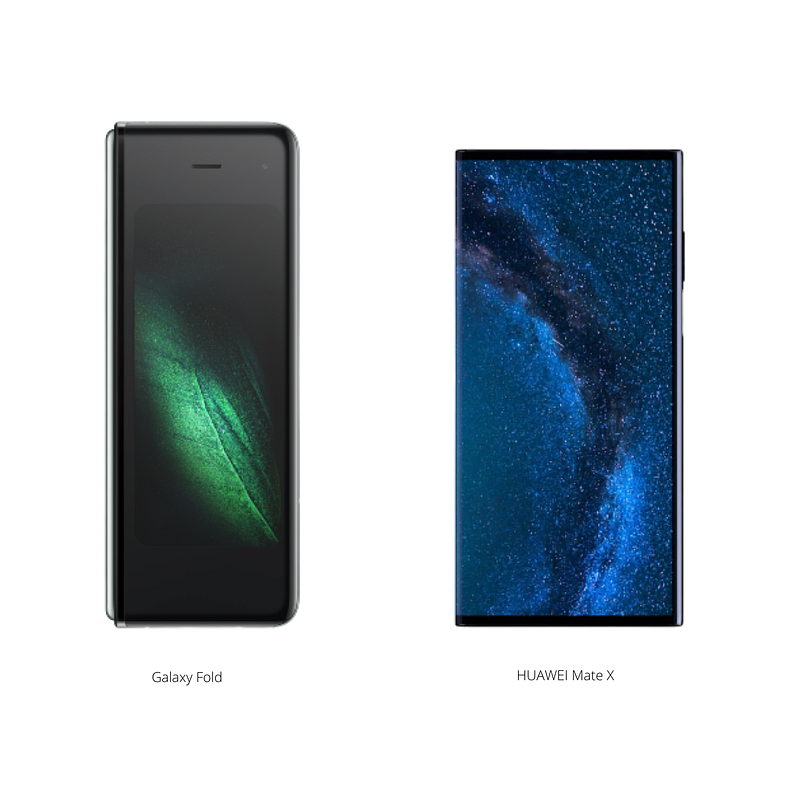
**Folded State:
**In Folded state it looks like the current phone, which can be operated in a single hand. Every OEM is approaching this experience in a different way. For instance, Samsung Galaxy Fold used a separate 4.58" screen called as Cover Display while Huawei uses the same screen in a folded state.
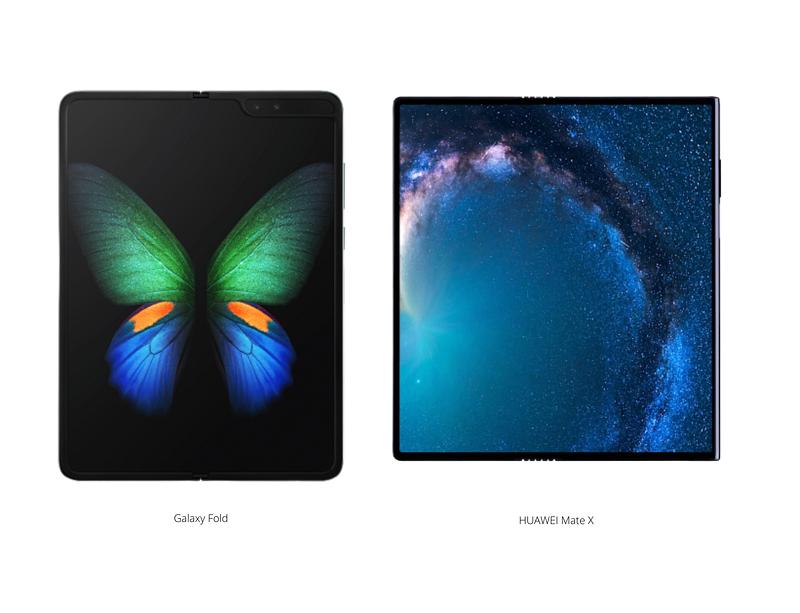
**Unfolded State:
**This is where the magic happens your phone transform into a tablet giving you more space to enrich the experience. As designers we can use this extra space to give more context and add secondary experiences or actions to the applications which we are designing. Even here the OEM’s use different approach to handle the experience. For instance, the phone unfolds inwards in Galaxy and outwards in Huawei.
One-Handed / Two- Handed Mobile Design:
With the change of state the whole experience itself changes. Currently most people operate the mobile devices in one hand but the unfolded state would require two hands in most cases. Even for unfolding the device it requires two hands in the current devices.

Screen Continuity:
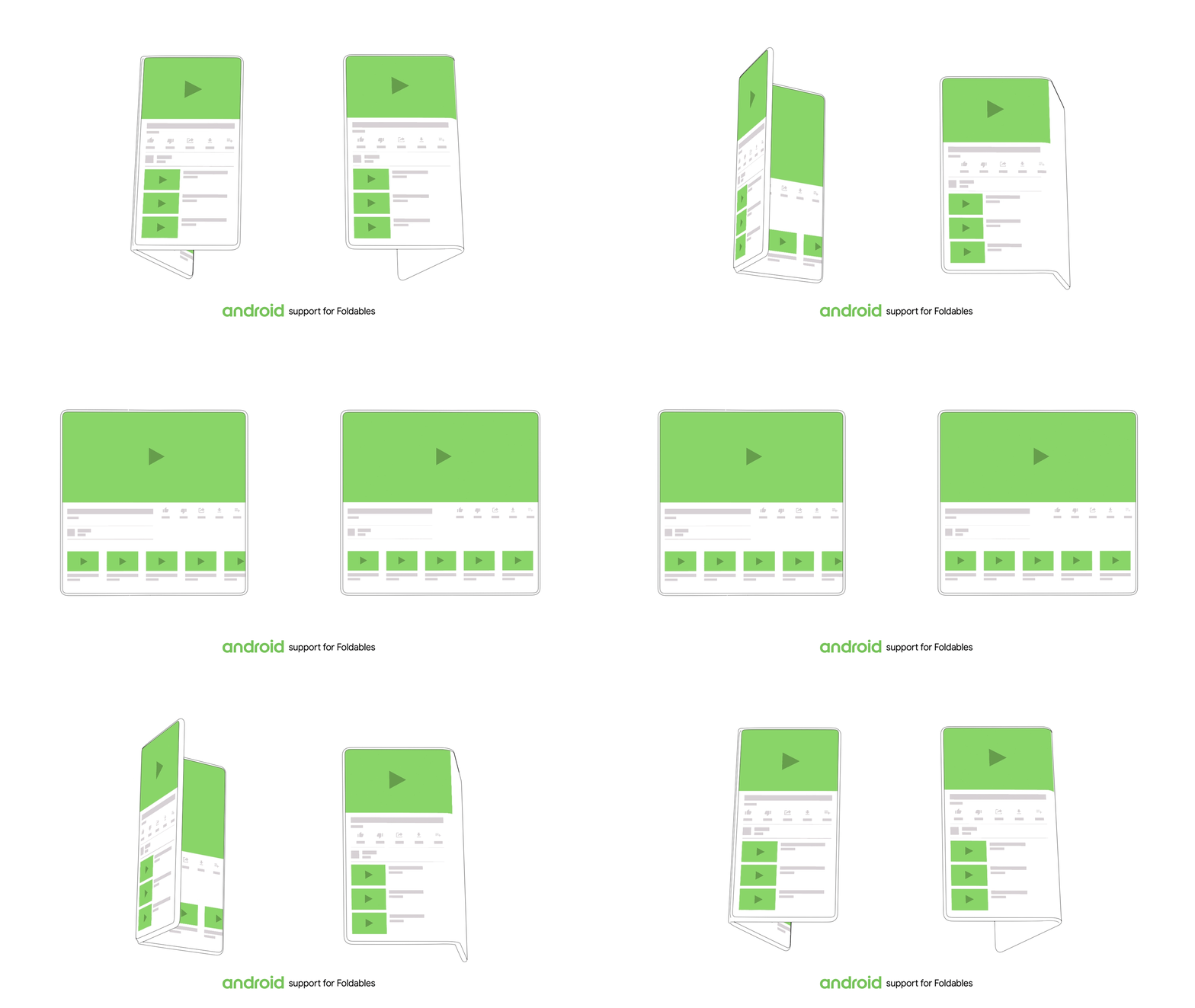
The experience we are designing should seamlessly transfer to the full screen when we unfold the device. Without too much of change in the layout increasing the ambiguity in the work flow.
Multi Window:
Since there is a large real estate for use. The foldable devices are more friendly for multitasking so we should always consider the other parallel application which a user might be running along with the apps we develop.
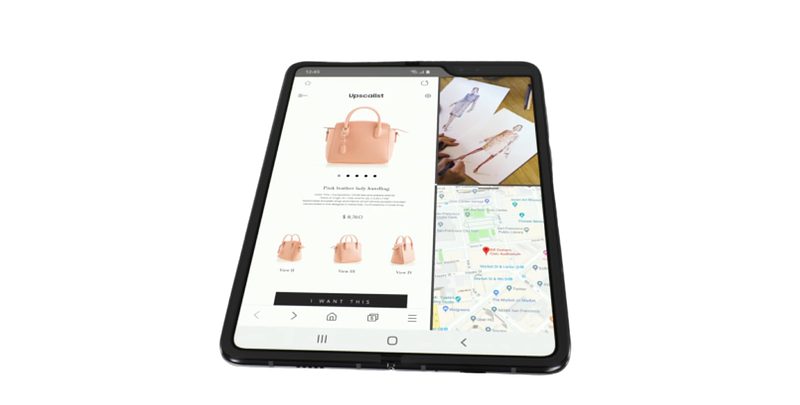
Like mobile first approach in responsive design, starting with the folded state first would help us to focus on the journey much better. For sketching applications for foldable devices I have made a template fell free to download and use it.

Download Here: http://bit.ly/foldabledevices